Problem:
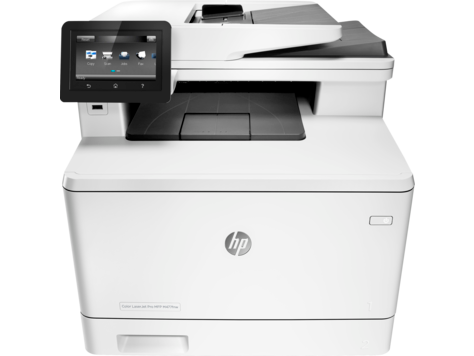
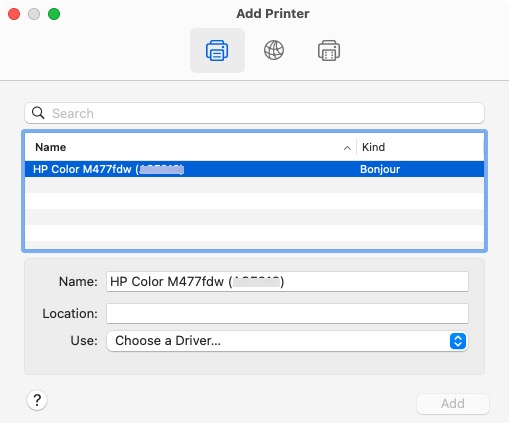
HP 477DFW laser printer can’t be added to MacOS 15. It shows up, but can’t select a printer driver & therefore can’t be used. This printer supports AirPrint, but that is not offered as an option.
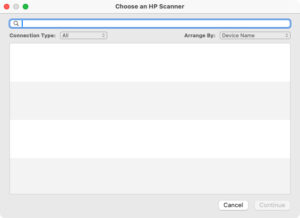
Also, the “HP Easy Scan” software can’t find the printer.
HP doesn’t offer updated printer drivers for this discontinued printer, partly because it supports AirPrint, so it shouldn’t need drivers. It is generally not recommended to copy any config files from another Mac in an attempt to get this Mac to recognize the printer. In some cases, the Mac used to be able to print tothis printer, and no obviously significant config changes have been made.
Possible solution:
At the printers dashboard, assign the printer a static IP address. Stupid, but it might help.